
Garage Management · 8 min read
What is Garage Management Software? Complete Guide for Auto Repair Shop Owners

Steve Bang is the founder of Garixo and a software engineer with hands-on experience working in auto repair shops. He builds practical technology to help independent repair shops manage their businesses more efficiently.
Published Mar 01, 2026
If you've ever lost track of a work order, forgotten to charge for a part, or spent your lunch break chasing down invoices — garage management software was built to fix exactly that. Here's everything you need to know.
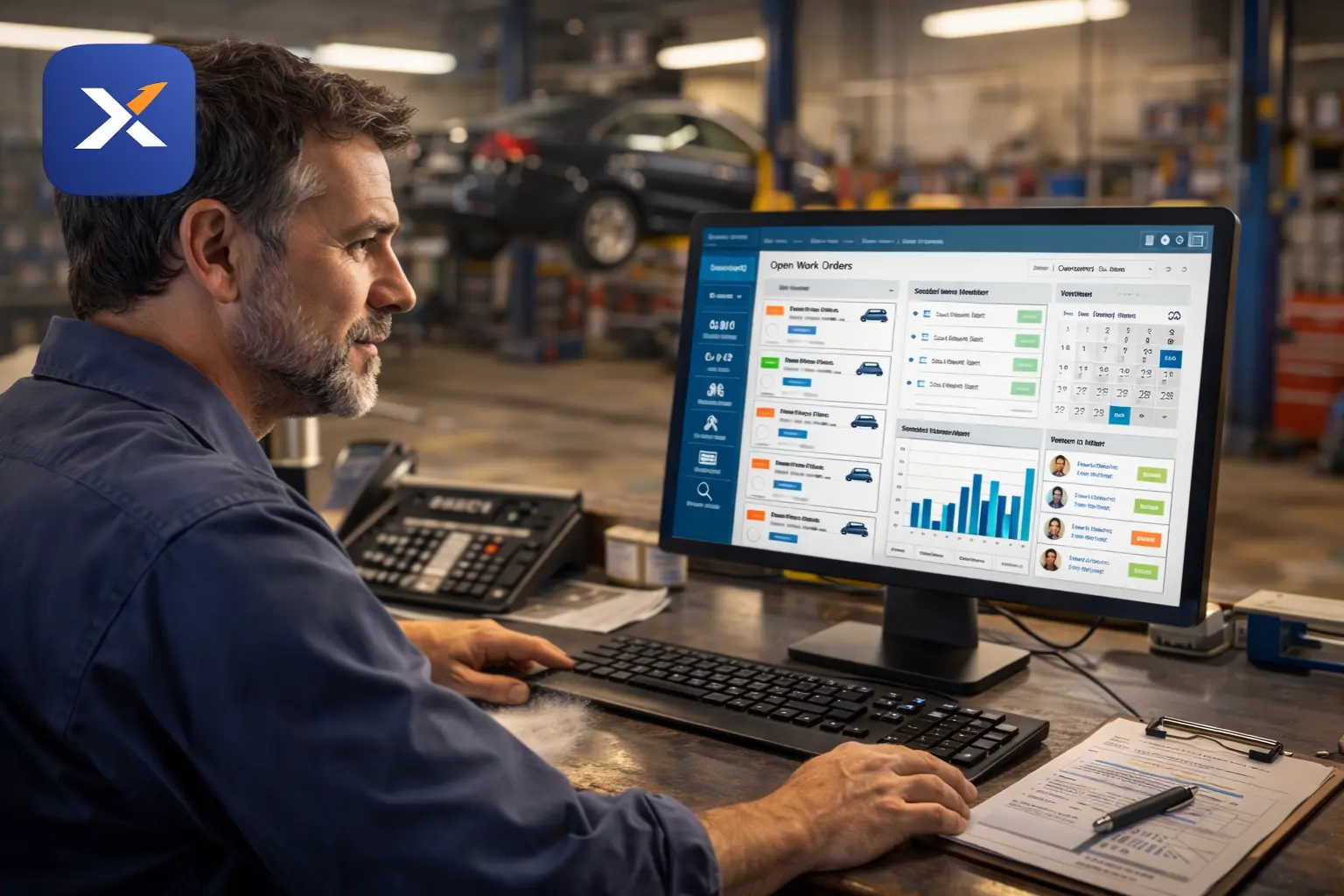
Running an auto repair shop means wearing a lot of hats. You're managing techs, talking to customers, ordering parts, and trying to keep the bays full — all at once. Most shop owners don't get into this business to spend their evenings buried in paperwork, but that's exactly where many of them end up.
Garage management software exists to take the administrative weight off your shoulders so you can focus on what actually generates revenue: fixing cars and keeping customers coming back.
This guide explains what garage management software is, how it works, and whether it makes sense for your shop.
Quick Answer
Garage management software is a digital platform that helps auto repair shops manage their day-to-day operations — including work orders, appointments, invoicing, parts inventory, and customer records — in one centralized system. It replaces paper-based processes and disconnected tools with a streamlined workflow that saves time and reduces costly errors.
Garage Management Software Definition
At its core, a garage management system is business operations software built specifically for auto repair shops. It's not a generic CRM or a basic invoicing tool. It's designed around the specific workflow of a repair shop: a customer calls in, a job gets created, a tech works on it, parts get logged, and an invoice goes out.
Every step in that chain can either be tracked accurately or lost to chaos. Garage management software makes sure it's tracked.
Think of it as a digital front desk, service advisor, parts room, and billing department — all rolled into one platform that's accessible from a computer or tablet.
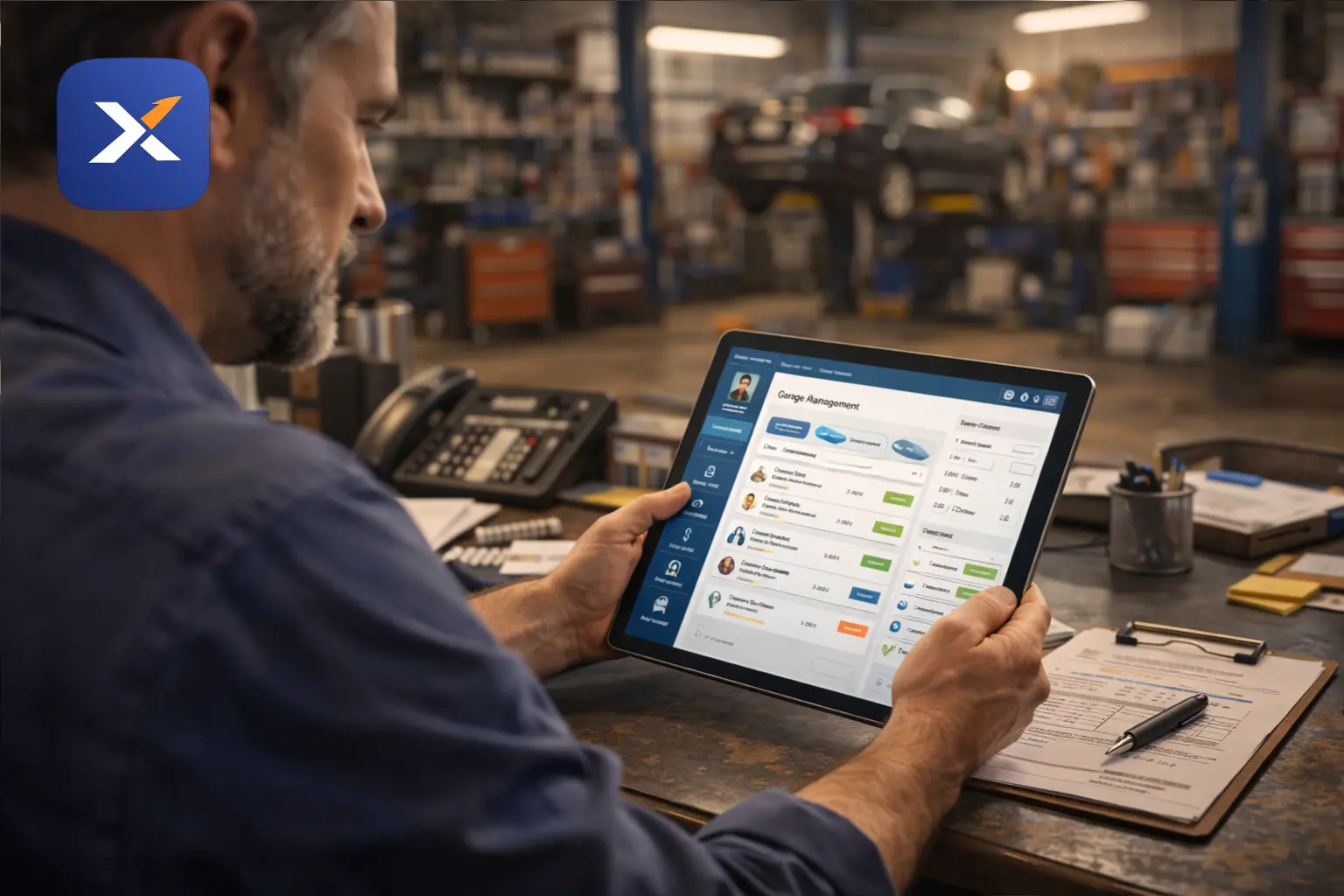
What Does Garage Management Software Do?
A good auto repair shop management software covers several interconnected functions. Here's a breakdown of what the core features actually handle:
Work Order Management
This is the backbone of any garage software. A digital work order system lets you create, assign, update, and close jobs without a clipboard in sight.
- Attach customer and vehicle information automatically
- Add labor time and parts to the job as work progresses
- Track job status from intake to completion
- Avoid the common problem of forgetting to bill for time or materials
Manual work orders cost auto shops real money every month — not through dramatic mistakes, but through small, repeated gaps that add up over time. See digital work orders for auto repair shops for a closer look.
Appointment Scheduling
A built-in garage scheduling software feature lets you manage your calendar without relying on a paper appointment book or a basic calendar app that doesn't connect to your jobs.
You can see bay availability, assign incoming jobs to specific techs, and send automated reminders to customers — which directly reduces no-shows. See auto repair shop scheduling software for how this fills bays and cuts idle time.
Invoicing and Payments
Garage invoicing software turns a completed work order into a professional invoice with a few clicks. No retyping. No manual math. No invoices sitting in a pile waiting to be sent.
Accurate invoicing also means you're billing for everything — every part, every labor hour, every shop supply — instead of rounding down because it's too much hassle to itemize. See auto repair shop invoice software for what to look for.
Parts and Inventory Tracking
Parts are one of the fastest ways shops leak money. A part gets pulled off the shelf, used on a job, and never makes it to the invoice. Multiply that across a few hundred jobs a year and you're looking at a significant hit to your margins.
A digital work order system for auto shops connects parts usage directly to the repair order, so nothing falls through the cracks. See auto repair shop inventory management software for the full breakdown.
Customer History and Records
Every vehicle that comes into your shop should have a searchable record: what was done, when, what parts were used, and what was recommended. This makes follow-up service calls faster, builds trust with customers, and helps techs work more efficiently.
Reporting and Business Insights
Most shop owners have a rough sense of how busy they are, but not a precise picture of where they're making money. Good auto repair business software gives you reports on revenue, average repair order value, technician productivity, and appointment trends — without requiring a spreadsheet background.
How Garage Management Software Works
The workflow is straightforward once you see it in action.
Step 1 — Customer check-in: A customer calls or walks in. You pull up their record or create a new one, attach their vehicle, and note what they're bringing the car in for.
Step 2 — Work order creation: A repair order gets created automatically from the intake. The tech gets assigned, the job type is noted, and the work order is live in the system.
Step 3 — Job execution: As the tech works, they log time and parts against the work order. If additional issues are found, they get added to the order for customer approval before work proceeds.
Step 4 — Invoice generation: When the job is complete, the invoice is generated from the work order data. All labor and parts are already in there — no manual compilation needed.
Step 5 — Payment and close-out: The customer pays, the invoice is sent or printed, and the job closes. The vehicle history is updated automatically.
Step 6 — Follow-up: The system can trigger a reminder when the next service is due, keeping the customer relationship active without you having to think about it.
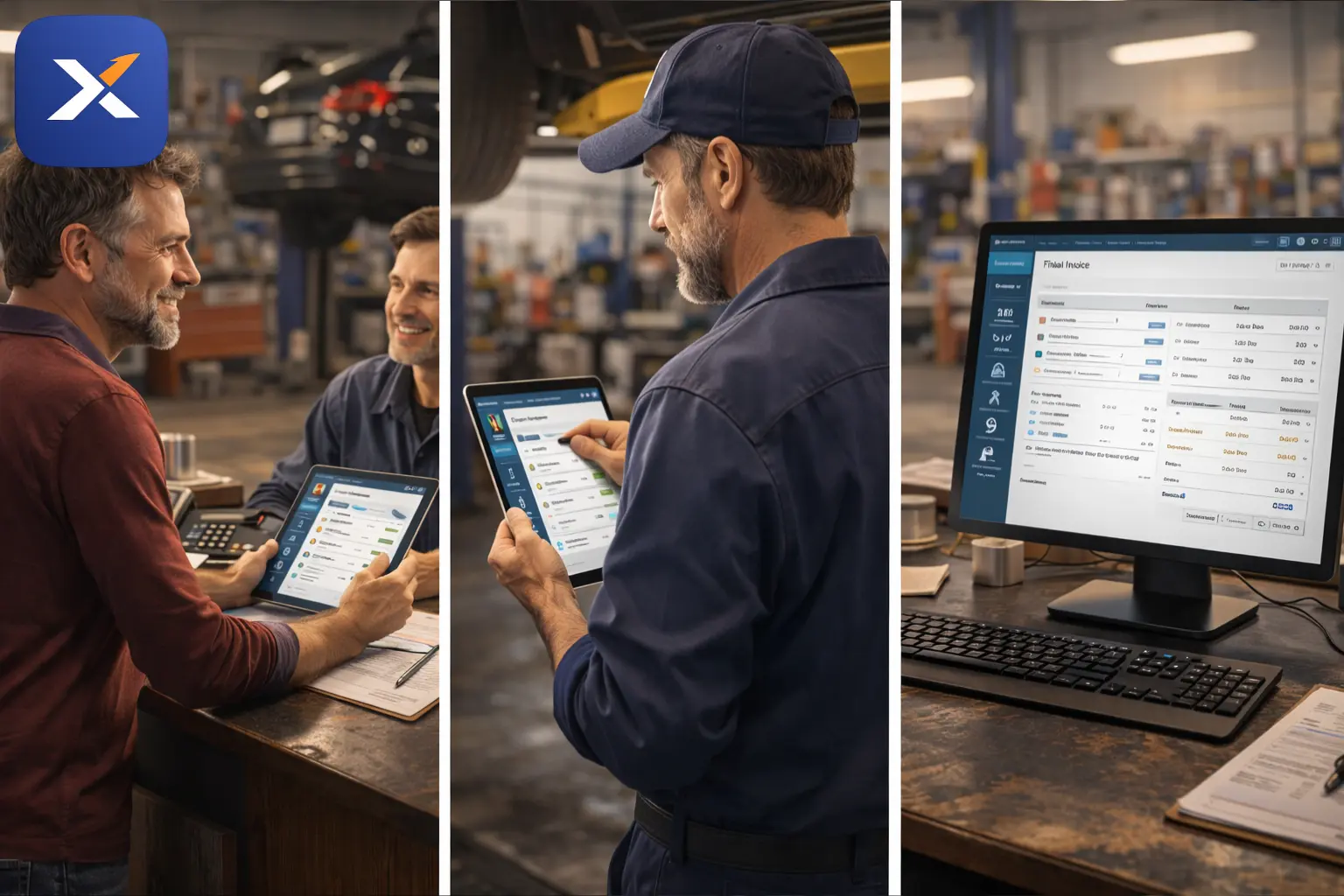
Cloud-Based vs. Installed Software
Most modern garage management software options are cloud-based, meaning they run through a web browser and don't require installation on a specific computer.
Cloud-based garage management software has a few practical advantages for small shops:
- Access from any device — front desk, tablet in the bay, or your phone
- No server hardware to maintain
- Automatic updates without IT involvement
- Data is backed up automatically
Older installed systems still exist, but for a shop with fewer than 10 mechanics, cloud-based is almost always the more practical choice.
Benefits of Garage Management Software for Small Shops
The garage management features that matter most to independent shops aren't the flashiest ones — they're the ones that quietly prevent money from leaking out every week.
Here's what most shop owners report after switching from paper or spreadsheets:
- Fewer billing errors — Parts and labor get captured accurately on every job
- Less time on admin — Invoicing that used to take 20 minutes per job takes 3
- More repeat customers — Service reminders bring people back without manual effort
- Fewer no-shows — Automated appointment reminders cut no-show rates significantly
- Better visibility — Real-time reports show what's happening in the shop, not just what you remember
The benefits of garage management software compound over time. A shop that runs tighter processes in month one is in a much better position by month twelve.
Is Garage Management Software Right for Your Shop?
It doesn't matter if you have two bays or twelve. If you're writing paper work orders, tracking appointments in a calendar app, or sending invoices by hand — there's a better way.
The honest answer is that most shops don't realize how much time and money they're losing until they switch. The operational drag of manual systems is real, but it's also so familiar that it becomes invisible.
Shop management software for mechanics doesn't require technical knowledge to use. The good platforms are built for working shop owners, not software professionals.
Where Garixo Fits In
Garixo is built specifically for small to mid-sized independent auto repair shops in the US. It covers the core functions that matter most — work orders, scheduling, invoicing, inventory, and customer history — without the complexity or cost of enterprise systems that were designed for dealerships.
It's cloud-based, straightforward to set up, and priced fairly for shops that aren't running dozens of bays. If you want to see what the features look like in practice, the garage management features page breaks it down clearly.
And if cost is a question, garage software pricing is transparent — no hidden fees, no long-term contracts required.
FAQ: Garage Management Software
What is garage management software?
Garage management software is a digital tool that helps auto repair shops handle their core operations — including work orders, appointment scheduling, invoicing, parts tracking, and customer records — from a single platform. It replaces paper-based systems and disconnected tools with an integrated workflow.
What does garage management software do for a small shop?
For small shops, it primarily saves time on administrative tasks, reduces billing errors, and helps keep customers coming back through service reminders and accurate records. Most shops see measurable improvement in billing accuracy and appointment retention within the first few weeks.
Is cloud-based garage management software safe for my business data?
Yes. Reputable cloud-based platforms store data on secure servers with regular backups. Your data is actually safer on a cloud system than it is on a local computer that could crash or get damaged.
How is garage management software different from regular invoicing software?
General invoicing software doesn't understand the workflow of a repair shop. Garage management software connects the full job cycle — from customer intake and work order creation through parts logging and final invoice — in a way that's built around how shops actually operate.
How long does it take to set up garage management software?
Most cloud-based platforms, including Garixo garage software, are designed to be set up quickly without technical support. Most shops are operational within a day or two.
Do I need technical experience to use garage management software?
No. The platforms built for independent shops are designed for shop owners and service writers, not IT professionals. If you can use a smartphone or basic computer, you can use modern garage management software.
What's the ROI of garage management software for an auto repair shop?
The return comes from multiple directions: fewer unbilled parts, reduced no-shows, faster invoicing, and better customer retention. Most shops recover the monthly software cost many times over through improved billing accuracy alone.
See Garixo in Action
Garixo is built for independent auto repair shops that want straightforward software — no complicated setup, no enterprise pricing, no fluff. Just the tools you need to run a tighter shop.
Related resources
Keep learning with the latest Garixo guides
Practical tips for running a smoother shop, improving daily workflow, and growing revenue.
What Is a Repair Order? A Shop Owner's Complete Guide
What Is a Repair Order? A Shop Owner's Complete Guide
A repair order is the document that runs every job in your shop from intake to payment. Here's exactly what it is, what it should include, and how it's different from an estimate or an invoice.
Published Aug 25, 2026
Auto Repair Shop Invoice Software: Get Paid Faster and Stop Chasing Unpaid Bills
Auto Repair Shop Invoice Software: Get Paid Faster and Stop Chasing Unpaid Bills
Still chasing unpaid repair invoices? Learn how the right auto repair shop invoice software helps you bill faster, collect payments sooner, and stay on top of accounts receivable.
Published Jul 04, 2026
Auto Repair Shop Scheduling Software: Fill Every Bay and Cut Idle Time
Empty bays cost your shop hundreds daily. Learn how auto repair shop scheduling software maximizes bay utilization, reduces technician idle time, and builds a predictable, profitable workflow.
Published Apr 01, 2026