
Garage Management · 7 min read
10 Signs Your Auto Repair Shop Is Ready for Management Software

Steve Bang is the founder of Garixo and a software engineer with hands-on experience working in auto repair shops. He builds practical technology to help independent repair shops manage their businesses more efficiently.
Published Mar 04, 2026
Still running your shop on paper tickets and gut instinct? Here are 10 honest signs it's time to upgrade — and what to do about it.
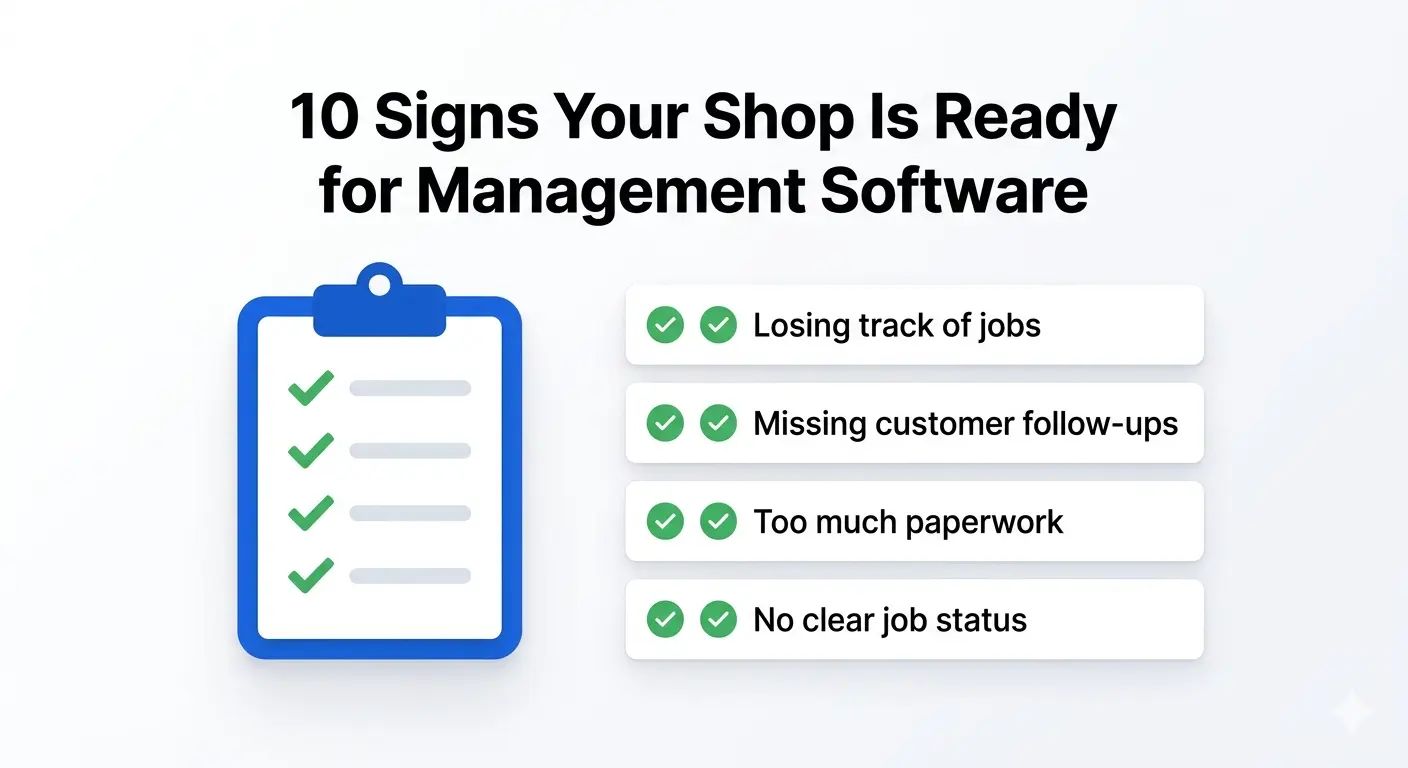
If you've been running your shop for a few years, you probably built your system around what worked at the time — a whiteboard, some paper job cards, maybe a spreadsheet you set up one Sunday afternoon. And for a while, it was fine.
But there's a point where the thing that got you here starts costing you money. Jobs fall through the cracks. You spend time looking for information instead of fixing cars. Your techs are waiting on you instead of working.
That's not a people problem. That's a systems problem.
Quick Answer: The clearest signs your auto repair shop needs management software are: missed jobs, disorganized workflow, slow invoicing, no customer follow-up, and difficulty tracking which tech is doing what. If two or more of these sound familiar, it's worth taking a hard look at upgrading.
You're Not Alone — Most Shops Hit This Wall
This isn't about being behind the times. Most independent shop owners are running on the same systems they started with because switching feels like a project. It takes time you don't have.
But the shops that make the move early tend to grow faster, keep more customers, and stop losing revenue to disorganization. Let's look at the real signs it's time.
10 Signs Your Shop Has Outgrown Its Current System
1. You're Still Writing Everything on Paper
Paper job cards were fine when you had three cars a day. But paper system problems in auto repair pile up fast — lost tickets, illegible handwriting, missing labor notes. When a customer calls asking about their car, you shouldn't have to dig through a stack of folders to answer them.
2. Your Invoicing Takes Way Too Long
If building an invoice takes 15–20 minutes because you're pulling labor rates from memory and parts costs from email threads, that's a workflow problem. Shops that upgrade from a spreadsheet to proper software cut invoice time dramatically — and get paid faster because of it. See auto repair shop invoice software for what to look for.
3. You Can't Tell What's Actually Happening on the Shop Floor
You walk in and you have a rough sense of what's happening. But rough isn't good enough when you're trying to run a tight operation. Auto shop workflow problems often show up here first — a job that was supposed to be done is sitting untouched because the right tech wasn't assigned or the parts weren't ordered.
4. You're Missing Follow-Ups with Customers
Oil change three months ago. Brakes that needed attention "soon." A customer who said they'd call back. If you're not following up systematically, you're leaving repeat business on the table. That's not a sales problem — it's a data problem. You don't have the info organized in a way that makes follow-up easy.
5. You Don't Know Which Jobs Are Profitable
At the end of the month, you have a sense of how things went. But do you actually know which types of jobs made money and which ones barely broke even? Mechanic shop growing pains almost always include this — working hard, staying busy, but not knowing where the profit is coming from. See auto repair shop profit margins: what's normal, what's good to see how your numbers compare.
6. Scheduling Is Done in Your Head
You're the human calendar. You know which bay is free, which tech is on which job, and when the transmission rebuild will be done. That works until you get sick, take a day off, or hire another person. The moment the schedule lives only in your head, you have a single point of failure. Auto repair shop scheduling software covers what replacing that mental calendar actually looks like.
7. Your Parts Ordering Is a Mess
You're calling suppliers from memory, checking parts on three different sites, and keeping track of what's been ordered on a notepad. When a part comes in, you're not always sure which job it belongs to. This is classic auto shop inefficiency — every step takes longer than it should.
8. New Hires Slow Everything Down
When you bring on a new tech or service advisor, how long does it take them to learn your system? If the answer is "it depends on how much time I have to train them," that's a red flag. A real system — not just your system — means new people can get up to speed without pulling you away from running the shop.
9. Customers Ask Questions You Can't Quickly Answer
"Did you rotate my tires last time?" "What did you charge me for the alternator?" "When is my car due for a timing belt?" If answering these takes more than 30 seconds, your records aren't working for you. Good software means the answer is two clicks away.
10. You Feel Like the Shop Can't Run Without You
This one stings a little, but it's worth saying. If you took a week off and the shop would struggle to function, that's not because you're irreplaceable — it's because the processes live in your head instead of a system. That's not sustainable, and it's a ceiling on your growth.
Is Your Garage Actually Ready for Software?
Some shop owners worry they're too small for software or that it'll be complicated. Here's the honest answer: most shops with 2 or more bays are ready for it. The question isn't size — it's whether your current setup is costing you time and money.
Modern garage management features aren't built for dealerships anymore. They're built for independent shops — practical, fast to set up, and designed around how a real shop actually works.
If you've recognized yourself in even three or four of these signs, the cost of waiting is real. Missed follow-ups, slow invoicing, and disorganized scheduling add up to thousands of dollars a year in lost revenue and wasted time.
What to Look for When You're Ready to Switch
Not all shop management software is built the same. For a small to mid-sized independent shop, you don't need something with 200 features you'll never use. You need:
- Fast job card creation — so your service writer isn't the bottleneck
- Clear tech assignments — so everyone knows what they're doing
- Integrated invoicing — so billing happens fast and accurately
- Customer history — so follow-ups are easy and informed
- Simple pricing — no surprise fees or long-term contracts
Garixo garage software was built specifically for independent shops like yours. It's not trying to be enterprise software — it's built to solve the exact problems in this list, at a price that makes sense for a small operation.
You can check out garage software pricing to see what it actually costs — no calls required, no sales pitch.
FAQ: Signs Your Auto Repair Shop Needs Management Software
When should an auto repair shop switch to management software?
Most shops should consider switching when they have 2 or more bays and are experiencing disorganization in scheduling, invoicing, or customer follow-up. If you're spending significant time on admin tasks instead of repairs, that's a clear signal.
Can a small mechanic shop with 2–3 techs benefit from software?
Absolutely. In fact, small shops often benefit the most because the owner is usually doing everything — writing tickets, ordering parts, billing, scheduling. Software takes a big chunk of that off your plate.
What are the biggest signs a paper system isn't working anymore?
Lost job cards, slow invoicing, no customer follow-up, and difficulty answering basic customer questions about their service history. These are the most common paper system problems that push shop owners toward software.
Is it hard to switch from a spreadsheet to auto repair software?
It's less painful than most shop owners expect. Good software imports your customer list and gets you running within a day or two. The bigger adjustment is getting used to having everything in one place instead of scattered across spreadsheets, sticky notes, and memory.
How do I know if I've outgrown my current system?
If your shop is busy but you're not sure where the profit is going, if customer follow-up is inconsistent, or if the shop struggles when you're not there — those are the clearest signs you've outgrown your current setup.
What's the difference between garage management software and a basic invoicing tool?
A basic invoicing tool helps you bill customers. Garage management software handles the entire workflow — job cards, tech assignments, parts ordering, customer history, scheduling, and invoicing — all connected in one place.
Ready to Stop Running on Memory?
If a few of these signs hit close to home, it might be time to at least take a look at what modern software can do for your shop. Not a commitment — just an honest look.
Garixo offers a free trial so you can see how it fits your operation before spending a dollar. No contract, no pressure, no complicated setup.
Check out the pricing and see if it makes sense for your shop.
Related resources
Keep learning with the latest Garixo guides
Practical tips for running a smoother shop, improving daily workflow, and growing revenue.
What Is a Repair Order? A Shop Owner's Complete Guide
What Is a Repair Order? A Shop Owner's Complete Guide
A repair order is the document that runs every job in your shop from intake to payment. Here's exactly what it is, what it should include, and how it's different from an estimate or an invoice.
Published Aug 25, 2026
Auto Repair Shop Invoice Software: Get Paid Faster and Stop Chasing Unpaid Bills
Auto Repair Shop Invoice Software: Get Paid Faster and Stop Chasing Unpaid Bills
Still chasing unpaid repair invoices? Learn how the right auto repair shop invoice software helps you bill faster, collect payments sooner, and stay on top of accounts receivable.
Published Jul 04, 2026
Auto Repair Shop Scheduling Software: Fill Every Bay and Cut Idle Time
Empty bays cost your shop hundreds daily. Learn how auto repair shop scheduling software maximizes bay utilization, reduces technician idle time, and builds a predictable, profitable workflow.
Published Apr 01, 2026